

Table of Contents
Introduction
Studio Ghibli, founded by Hayao Miyazaki and Isao Takahata, is renowned for its hand-drawn animation, with films like “My Neighbor Totoro” and “Spirited Away” showcasing vibrant colors, detailed backgrounds, and a whimsical atmosphere. Transforming personal photos into this style is now possible with AI tools, and this guide will walk you through the process.
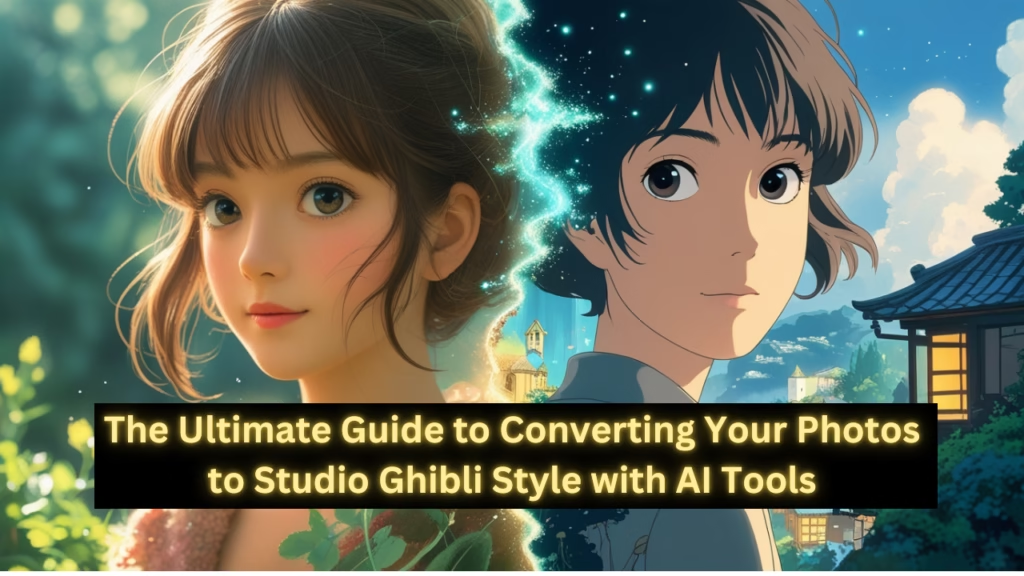
Understanding Studio Ghibli Style
The Studio Ghibli style is characterized by:
- Rich watercolor and acrylic paints, creating soft, dreamy color palettes.
- Detailed backgrounds with lush, natural environments, blending realism with fantasy.
- Expressive character designs, often focusing on youth and emotional depth, with a nostalgic, magical realism feel.
This understanding is crucial for appreciating the AI-generated results and ensuring they capture the essence of Ghibli’s art.
Top AI Tools for Converting Images to Ghibli Style
Several online platforms offer AI-powered image style transfer for the Studio Ghibli aesthetic. Below is a detailed table of the top tools, based on functionality and user accessibility as of March 29, 2025:
| Tool Name | Website URL | Features | Usage Notes |
|---|---|---|---|
| Fotor’s Studio Ghibli AI Generator | www.fotor.com/features/studio-ghibli-filter | One-click conversion, no sign-up, free to use | Suitable for portraits, landscapes, pets, quick and secure processing. |
| getimg.ai’s Ghibli Diffusion | getimg.ai/features/text-to-image | Text-to-image and image-to-image, 100 free images monthly | Offers flexibility with descriptions, ideal for creative projects, no credit card for free tier. |
| FlexClip’s Photo to Ghibli Style Converter | www.flexclip.com/tools/photo-to-ghibli-style | Supports multiple formats, quick conversion, editing tools | No download required, perfect for PNG, JPG, etc., with additional editing options. |
| insMind’s Studio Ghibli Filter | www.insmind.com/studio-ghibli-filter | User-friendly, free, enhances facial details | Great for portraits, creates unique profile pictures, gifts, or creative exploration. |
| Reface’s Studio Ghibli Filter | reface.ai/unboring/features/studio-ghibli-filter | High-quality outputs, best with well-lit photos | Offers high-resolution downloads, ideal for social media sharing, requires clear images. |
These tools utilize advanced AI models, often based on Stable Diffusion, fine-tuned to capture Ghibli’s soft, dreamy aesthetics. An unexpected detail is that getimg.ai offers text-to-image generation, allowing users to describe their image (e.g., “a couple in traditional Indian wedding attire, holding a mangalsutra, in a festive background”) and create a new Ghibli-style version without uploading the original, enhancing flexibility for creative projects.
How to Use These Tools to Converting Your Photos to Studio Ghibli Style
The conversion process is typically straightforward:
- For Fotor, visit www.fotor.com/features/studio-ghibli-filter, upload your image, click to convert, and download the result.
- For getimg.ai, access getimg.ai/features/text-to-image, upload your photo or input a description, and generate the Ghibli-style image, with 100 free images monthly for new users.
- For FlexClip, go to www.flexclip.com/tools/photo-to-ghibli-style, upload your photo, and download the converted version, with options to edit exposure and add text.
If the original image is unavailable, text-to-image generation offers a workaround, such as describing the scene and letting the AI create a Ghibli-inspired artwork, which is particularly useful for concept art or storytelling.
Considerations and Limitations while Converting Images to Ghibli Style
While these tools are accessible, there are important considerations:
- Image Quality: Clear, well-lit photos yield better results, as noted by Reface and Fotor. Blurry or low-resolution images may not capture details effectively.
- Tool Limitations: Some tools, like ChatGPT’s GPT-4o, offer image generation but may be limited to paid tiers, with free users restricted to three animated images per day, as reported in recent trends on X (https://x.com/GrantSlatton/status/…).
- Copyright and Ethical Concerns: Studio Ghibli’s style is protected, and Hayao Miyazaki has expressed dislike for AI-generated animation, potentially leading to legal issues. Users should review each tool’s terms of service, especially for commercial use, to ensure compliance while Converting Images to Ghibli Style.
Trends and Community Feedback
As of March 29, 2025, social media platforms like Instagram and X are flooded with Ghibli-style portraits, driven by tools like ChatGPT’s new image features. An X post (https://x.com/GrantSlatton/status/…) highlights a trend of transforming personal photos into anime art, with community feedback mixed—some praising the visuals and others dismissing them as “AI slop,” reflecting a divide in appreciation. This trend underscores the accessibility of AI tools, with platforms like Gemini AI also offering free Ghibli-style image generation, providing alternatives for users without subscriptions.
Conclusion
Converting an image to Studio Ghibli style is feasible through AI tools like Fotor, getimg.ai, FlexClip, insMind, and Reface, offering both upload-based and text-based generation. Users can achieve vibrant, whimsical results by following simple steps, with considerations for image quality and tool limitations. The ability to describe and generate images without uploads is a notable feature, enhancing flexibility for creative projects, and the popularity on social media suggests a growing interest in AI-generated Ghibli art.
Key Citations
- Free AI Studio Ghibli Filter Turn Photos into Ghibli Art insMind
- Studio Ghibli Filter Transform Your Photos into Ghibli-Style Art Reface
- Studio Ghibli Free AI Generator getimg.ai
- Free Ghibli AI Generator Convert Image to Ghibli Style Fotor
- Photo to Ghibli Style Convert Photo to Ghibli Style Cartoon FlexClip


